New File
Custom
In QSpace Settings > New File, add templates for creating new files.
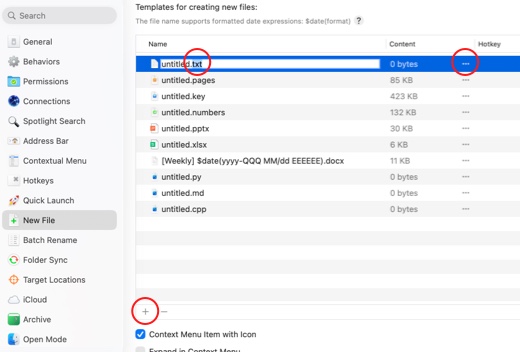
Select a file template, then press Enter to activate name editing. Modify the extension to create different file types.
The name also supports date variables in the format: $date(format), where format represents standard date format characters.
Click the ... button next to Content to choose a content template for the new file (some empty file types require a base template, e.g., PSD image files).
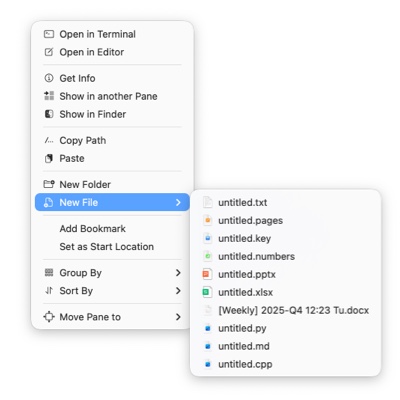
Show Icons in Context Menu Whether to display file icons in the context menu.
Expand in Context Menu Whether to expand templates directly in the context menu or display them within a submenu.
Actions
Select Context Menu > New File to create a file.
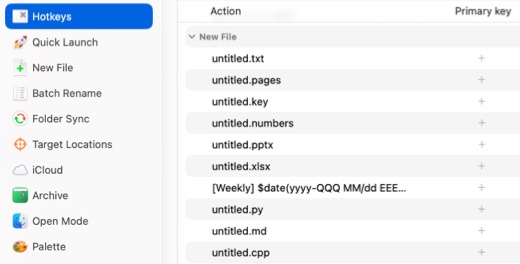
On the QSpace Settings > Hotkeys, customize a Hotkey to create a specific file type.